

Find a starting point
Browse visual templates, then adapt the layout, photos and message to your brand.
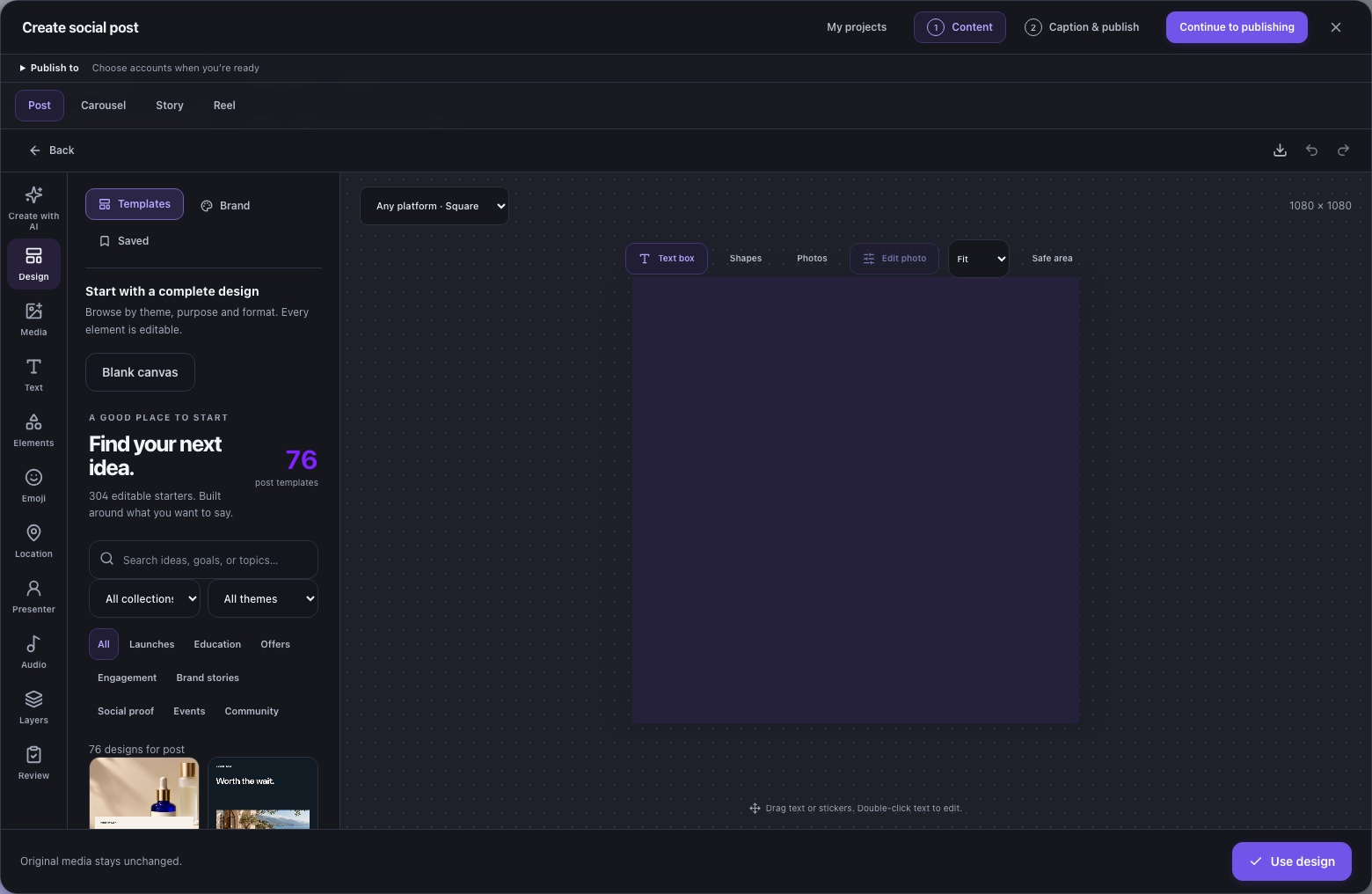
Hubyfy Social Media / SOCIAL CONTENT & PUBLISHING
Create posts, carousels and reels in an editable workspace. Refine the design, review the message and plan your next post.
Available within Hubyfy. Standalone access coming soon.
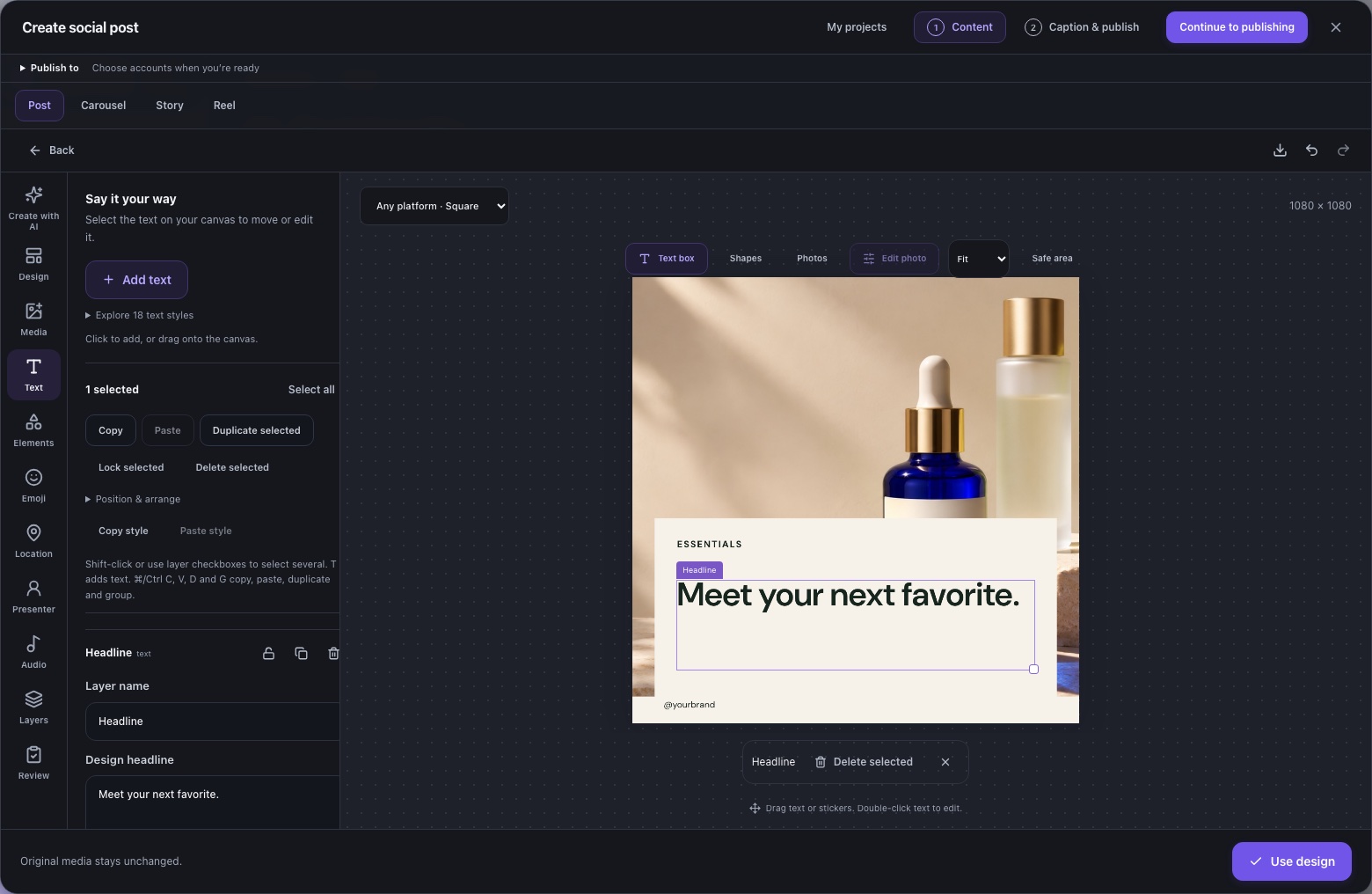
TAKE A LOOK AROUND
Browse visual templates, then adapt the layout, photos and message to your brand.
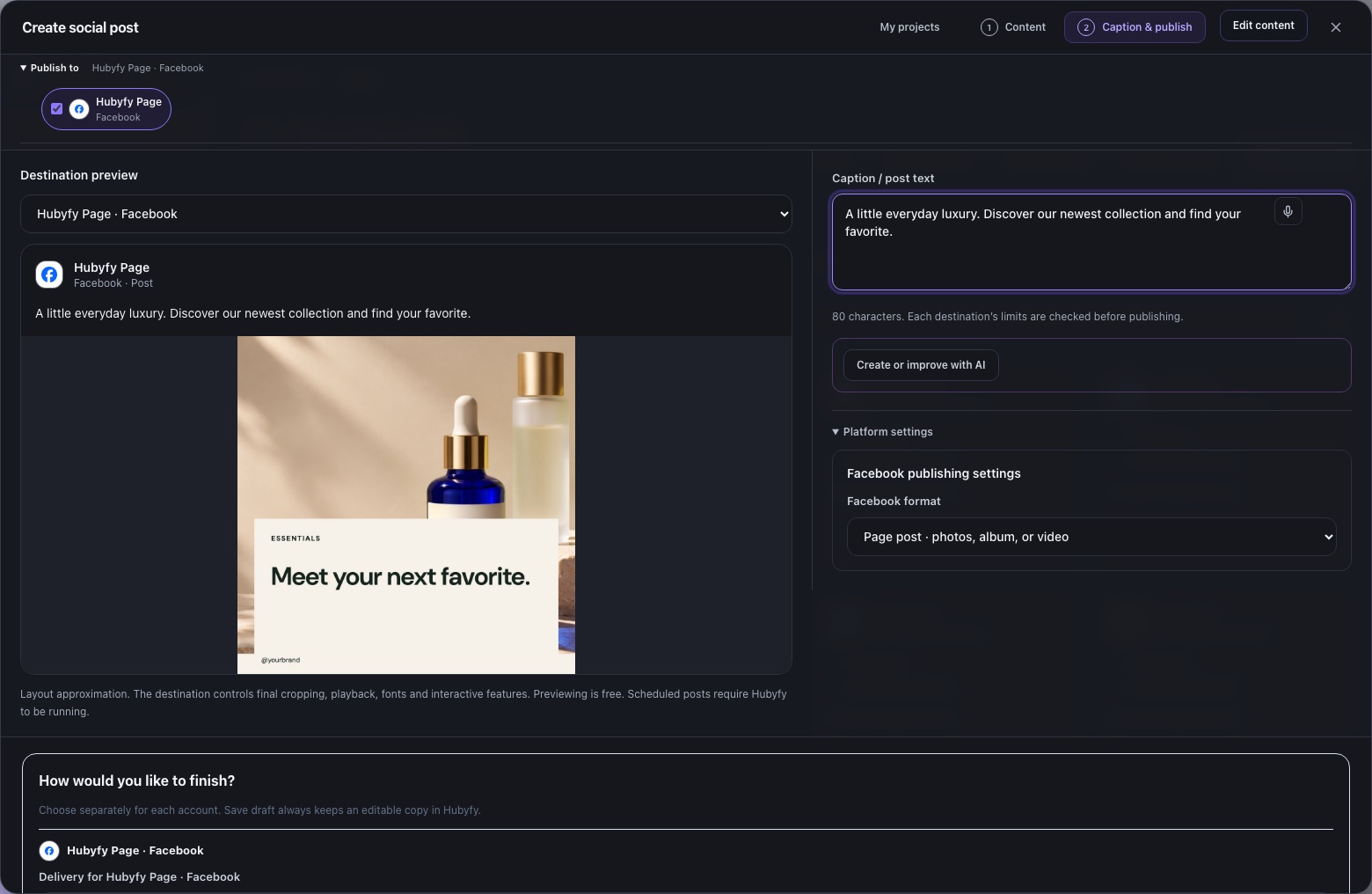
Hubyfy Social Media IN PRACTICE
Check your caption and preview for the selected account. Export your creation or schedule supported content when it is ready.
GO A LITTLE DEEPER
Explore a feature or see how it fits your day.
Create image posts, editable carousels, stories and reels. Adapt your content to the format and destination you have in mind.
Start from a template or your own media. Use optional AI for ideas, copy, images, narration and video, with generation costs shown before you approve.
Review captions and media, choose connected accounts and schedule supported posts. Keep approvals and publishing decisions in your hands.
Bring your colors, typography and reusable designs into your work. Keep the original project editable as your campaign evolves.
Combine footage, images, text, captions and your licensed audio. Adjust timing and preview the result before exporting your finished video.
Review available post and account insights from connected channels. Compare the results your platforms provide and use them to guide your next idea.
Launch a product. Turn a product brief into an announcement image, an explanatory carousel and a short demo reel. Keep the message consistent while adapting the format.
Keep a small business visible. Reuse an editable design for offers, updates and educational posts. Plan supported publishing around your business calendar rather than recreating content every day.
Give a marketing team one process. Move from an idea and draft to review and a publishing decision. Use available channel insights to decide which topics and formats deserve another version.
GOOD TO KNOW
Social Media is built around posts, carousels, short videos and publishing workflows. Presentation Studio is a separate product focused on narrated presentations, training and explainers. Both remain part of the Hubyfy platform.
Standalone access is coming soon, so you will be able to choose Social Media as its own product. Today, the tools are available within Hubyfy. Contact us to discuss standalone plans and access.
No. Publishing formats, scheduling, account types and analytics vary by channel and its permissions. Ask us about the channels and workflows your team needs.
No. You can work with templates, manual editing and your own media. Optional AI generation uses credits, with the cost shown for your approval. Music and uploaded media must have the appropriate usage rights.
TAKE A CLOSER LOOK
Tell us what you want to improve. We’ll show you the relevant tools and discuss access.
Available within Hubyfy today. Standalone access coming soon.